SoundCheck for Mac
Mac app · preview 0.4.0
Apple Silicon + Intel · macOS 14+
 SoundCheck
Install
SoundCheck
Install
NATIVE AUDIO WORKSPACE
Your reference tracks, test signals and system checks. One place. No clutter.
Download SoundCheckMac preview + iPhone/iPad build files · 1.5 MB
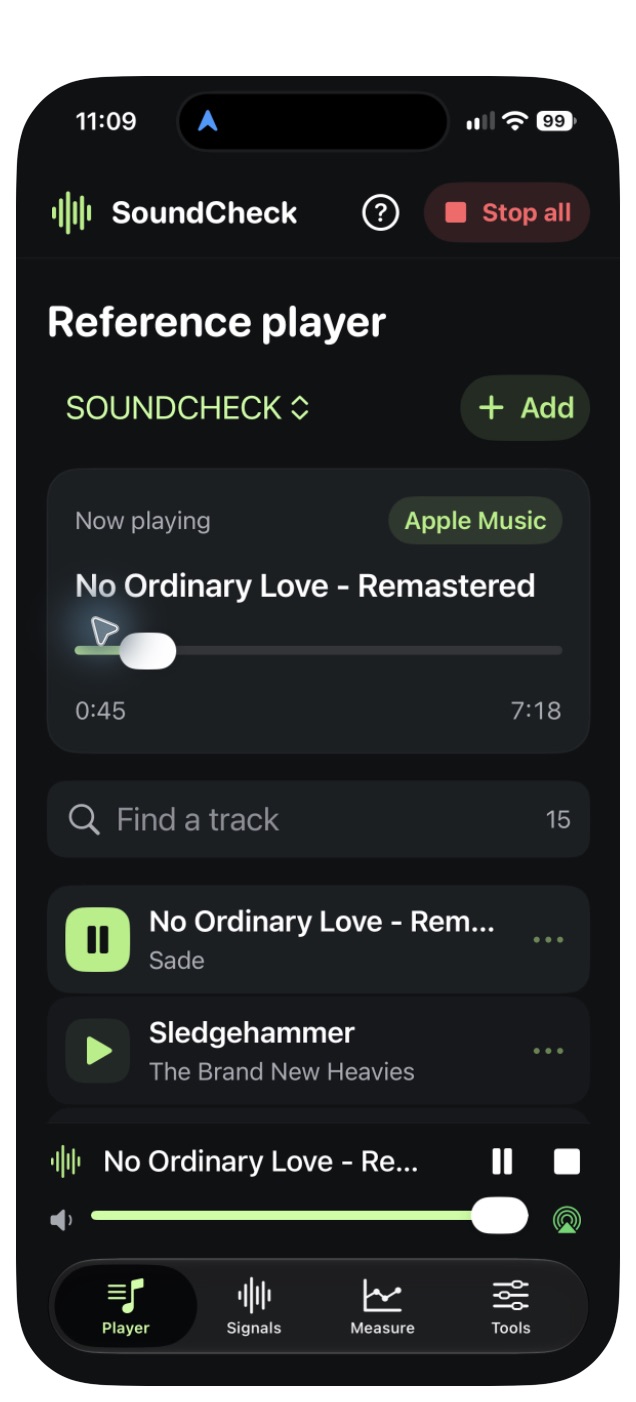
Real app. Real playback.
Mac app · preview 0.4.0
Apple Silicon + Intel · macOS 14+
Shared build package · 0.4.4
Xcode and your own signing team required
This preview is Developer ID signed but not yet notarized. macOS may block the downloaded app; the source package is also available to build locally.
Apple Music requires MusicKit App Services for your app IDs and applicable Music access. This package is not a direct iOS installer. App Store and TestFlight downloads are not available yet.
Apple Music plays on the tested iPhone and iPad 0.4.4 builds. Five native test suites cover playback transitions, signal rendering, file processing, playlists, catalog matching and measurement math.
The Mac download retains 0.4.0 because 0.4.4 stalled on a virtual audio output during testing. Mac Music and virtual-output compatibility need further validation. Physical interface mapping and acoustic calibration are pending; measurement values are uncalibrated dBFS. Unavailable music uploads need their original audio or a playable recording.
Download installation notes ↗